Image-map is pretty much similar to CSS Sprites. Image-mapping can be used to add multiple links to a single picture file. This will be useful in many areas of web designing. You can just have a look at “FIND US” image on the right, as an example which we have in our page. Image-mapping is very easy to make and you need not be a tech savvy to make one for your own. There are excellent online tools available for creating the code for your custom Image mapped. Today, I’ll show you how to easily create an image with multiple links using one such image mapping tool online. In this tutorial I will be using maschek.hu for creating the code for the custom image with multiple links.
Step 1:
Firstly create or find an image which suites your needs. In this tutorial I’m using an image for social networking icons.

Step 2:
Open this link and upload your image, or enter the url of the image or you can also try a sample image available in their library and then click on “accept“.
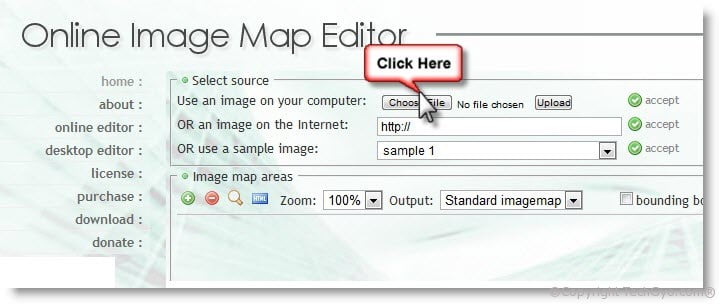
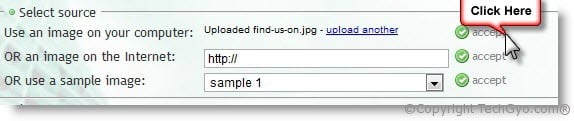
Step 3:
Now select output as “STANDARD IMAGEMAP” or CSS IMAGEMAP according to your choice. In this tutorial, I’m selecting Standard Imagemap. And you can select the mapping style as rectangle, since our image is in rectangle. You can simply ignore the other settings as it is not much necessary for our image type.
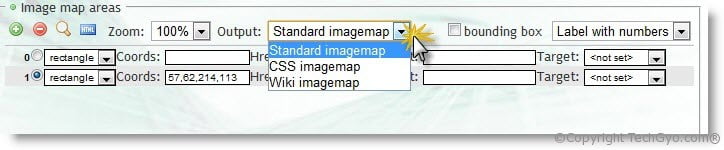
Step 4:
Now that we have done editing the appropriate settings for the output, we can now start mapping the image. Point your cursor on to the image/picture and then click once on the edge on the first icon (Facebook) to be mapped, and then draw a rectangle which covers the entire Facebook icon and then click again to complete mapping. I hope the below image helps.
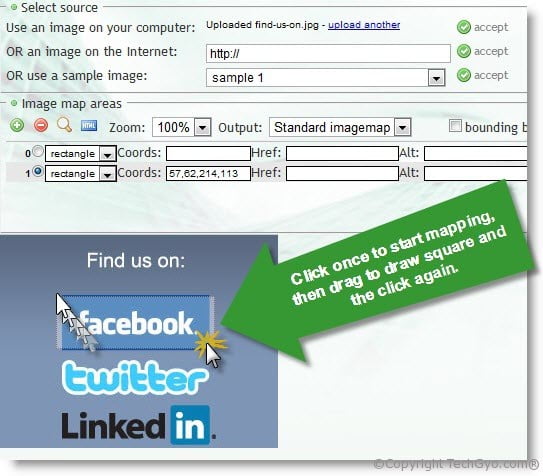
Step 5:
Now that we have mapped to the appropriate dimension, we can now insert link in that area and select appropriate link target properties.
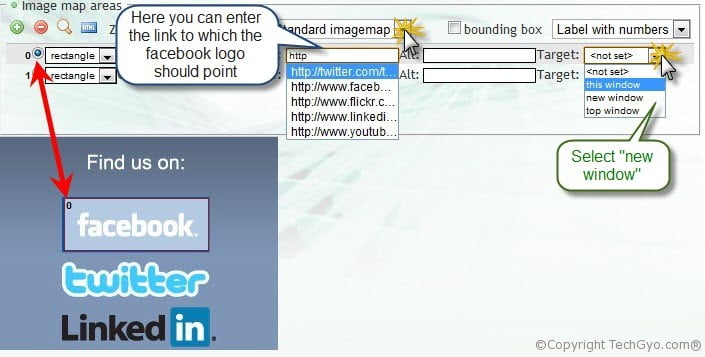
Step 6:
Repeat the same steps for the other 2 images and then click on CODE at the end, to get the entire code and then copy the code.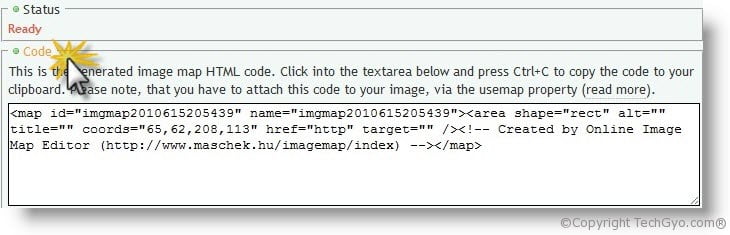
Step 7:
Now we have the image-mapped code and lets proceed to the final step in this tutorial. The only thing left to do here is to link the imagemap id with the image code.
The above code is the code which we created using online image mapping tool and it will be having a unique imagemap id. We can now link the map id with the image code.
The final picture is the one below, just have a check at the links.
Here’s the video tutorial
Test your code using this tool here